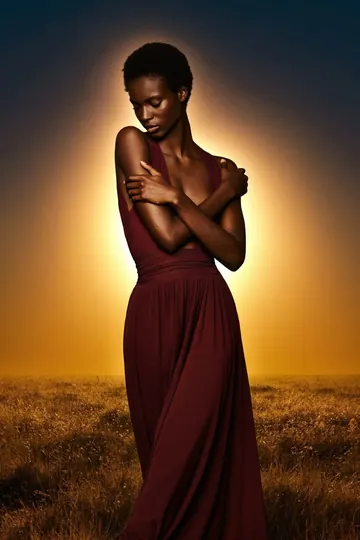
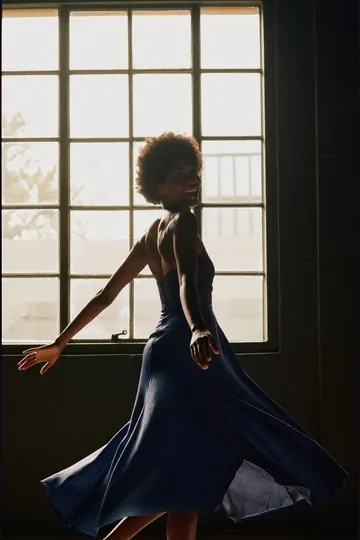
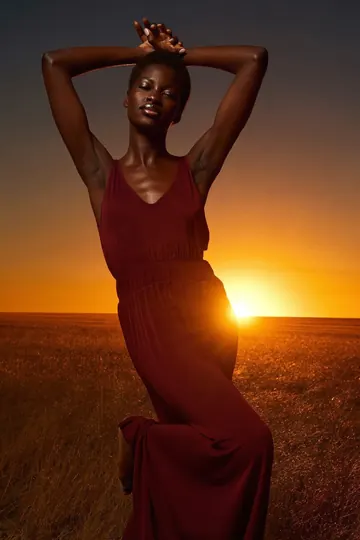
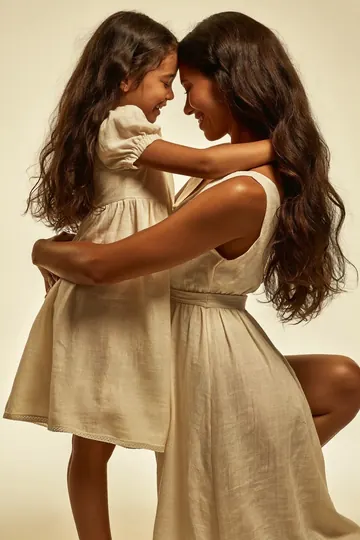
The Posing
AppFor You

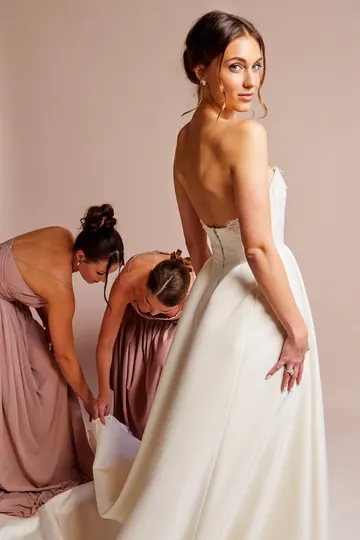
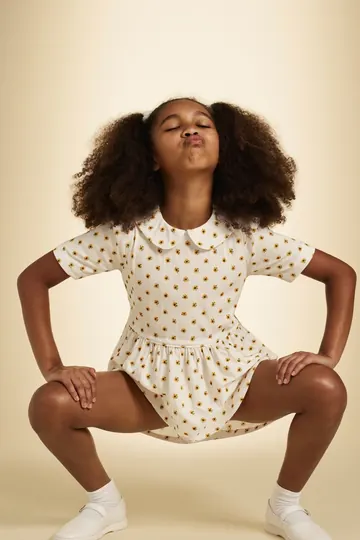
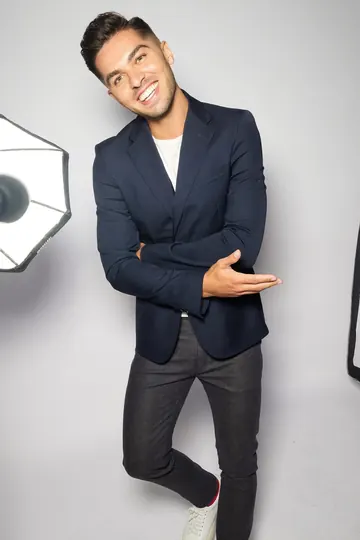
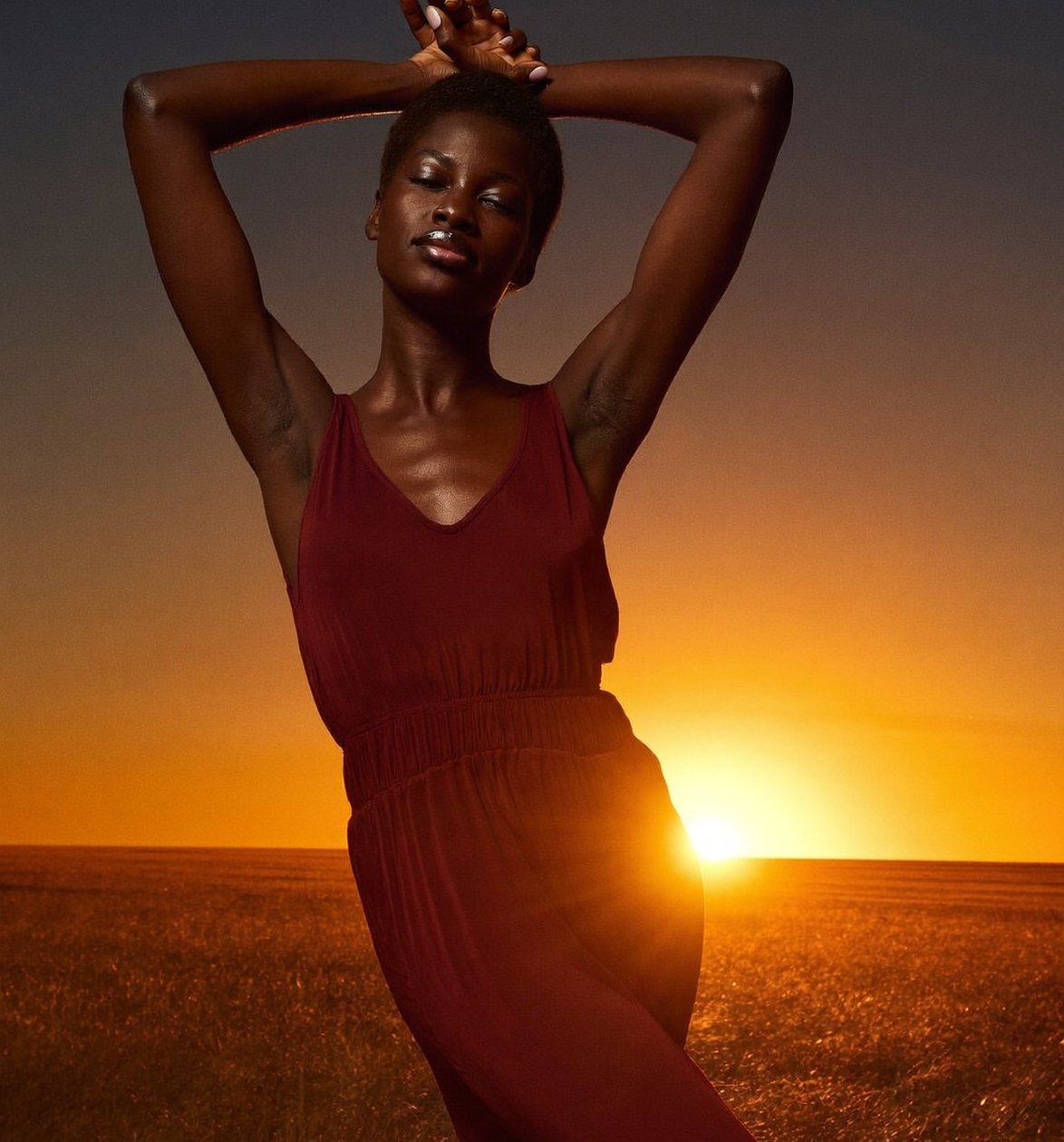
12,000+ pose ideas, each with cues and guide
lines. Show the pose on set, guide it live,
or see yourself in it with AI.

* Free to download on iPhone
On set shows the pose full screen to the person you photograph.
bg

Pose library

12,000+
Pose Ideas

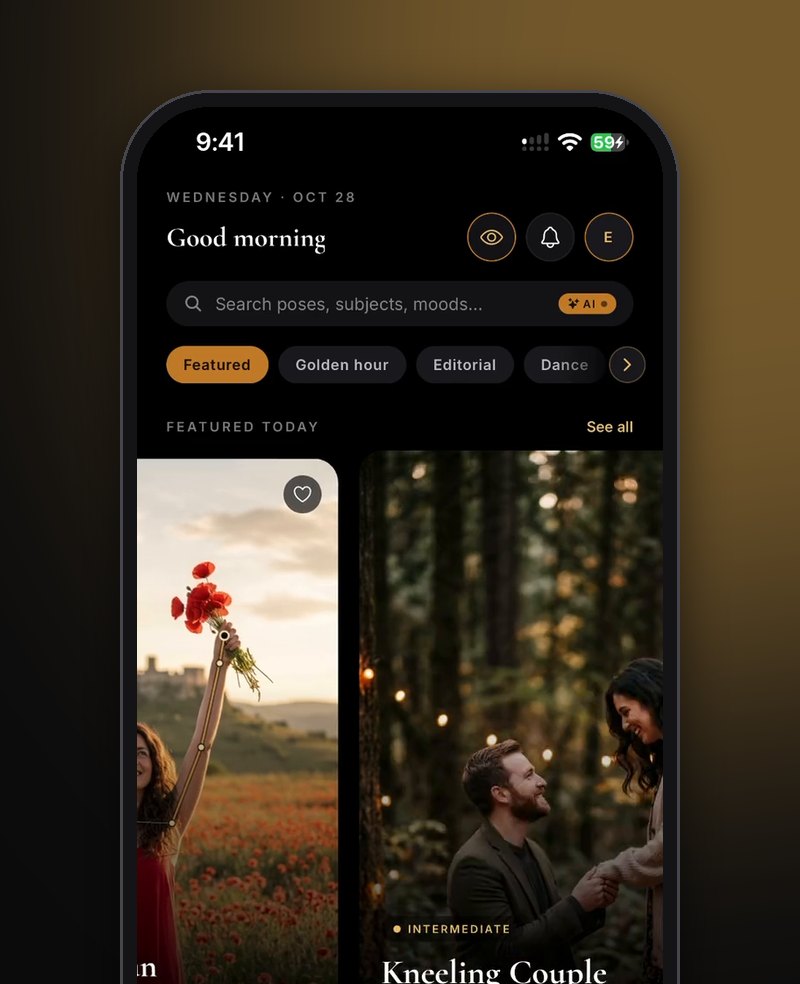
Browse 48 categories, from golden hour and
editorial to dance, weddings and couples. Every
pose comes with cues and gold guide lines.

Smart Search

Search In
Plain Words

Type a shoot the way you would say it, like
“maternity nature”. Smart search reads each
part and puts the poses that have both first.

See Yourself

See Yourself
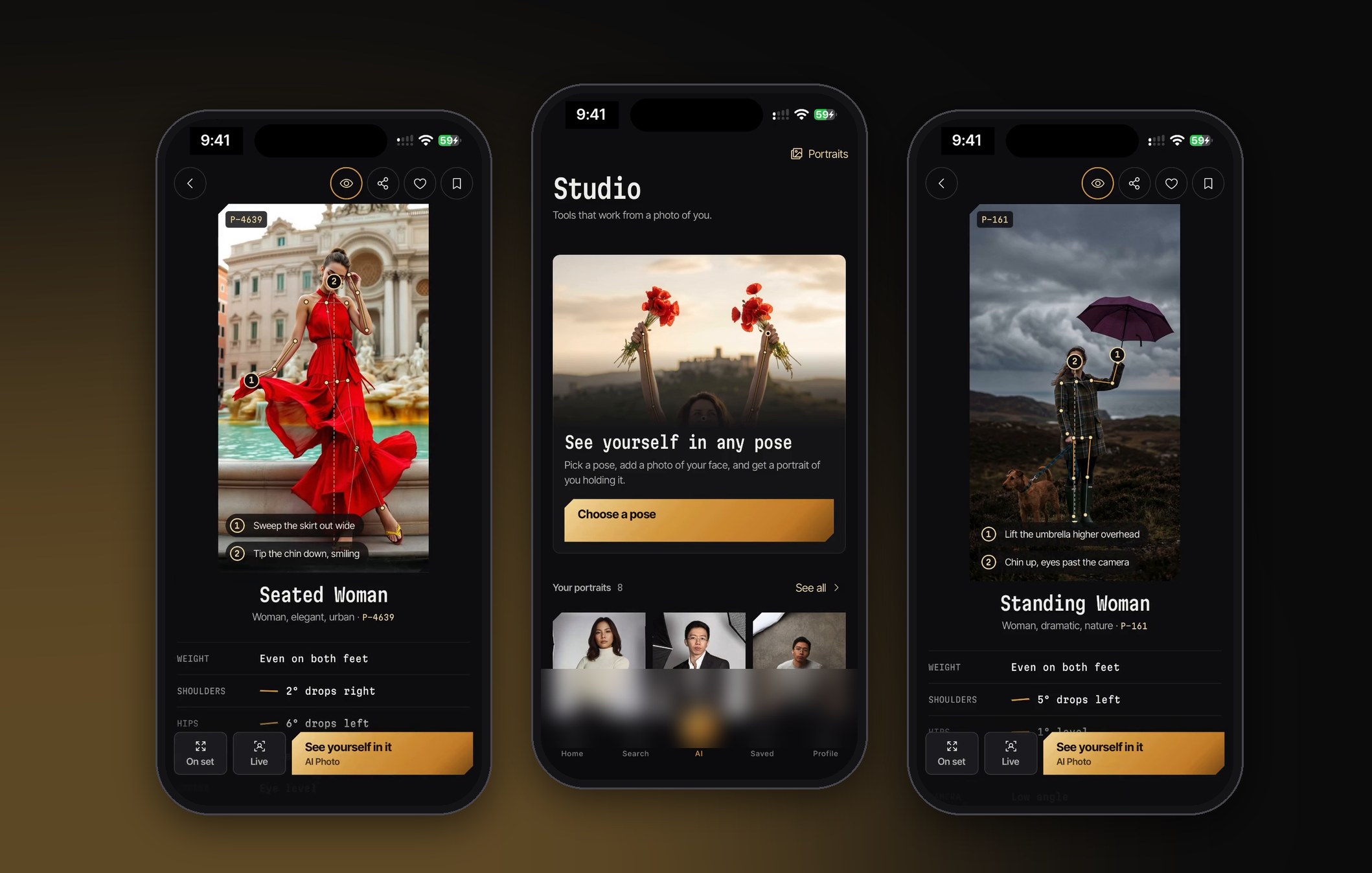
In Any Pose

Add one to three photos of your face and get an
AI portrait of you in the pose you picked. Save it,
share it, or keep it with your other portraits.

Pose Finder

Find Poses
For A Photo

Add a photo of a spot or a shot you love. Pose
Finder reads its framing, setting and mood, then
shows the poses that fit it.

Pose guide

Two Cues On
Every Pose

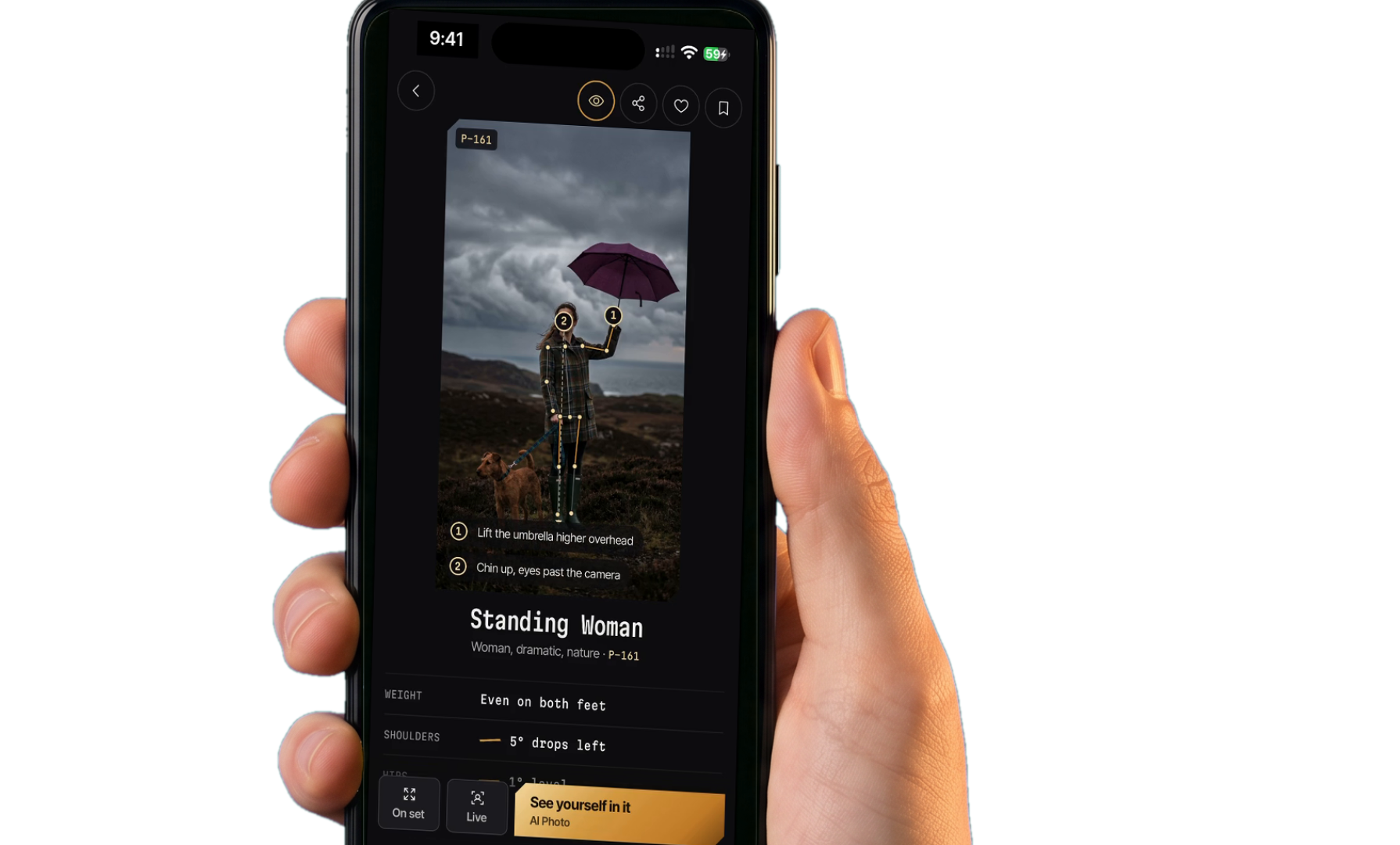
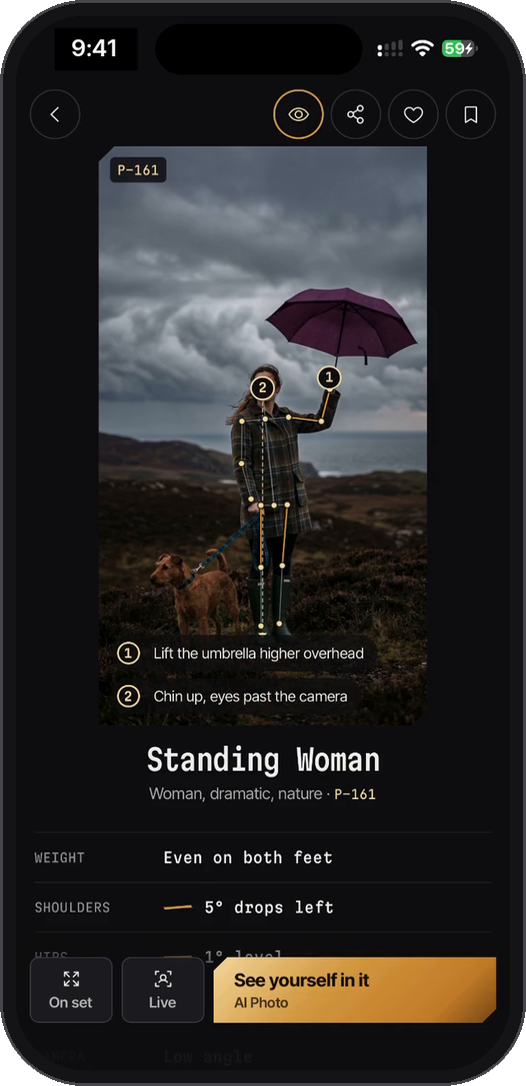
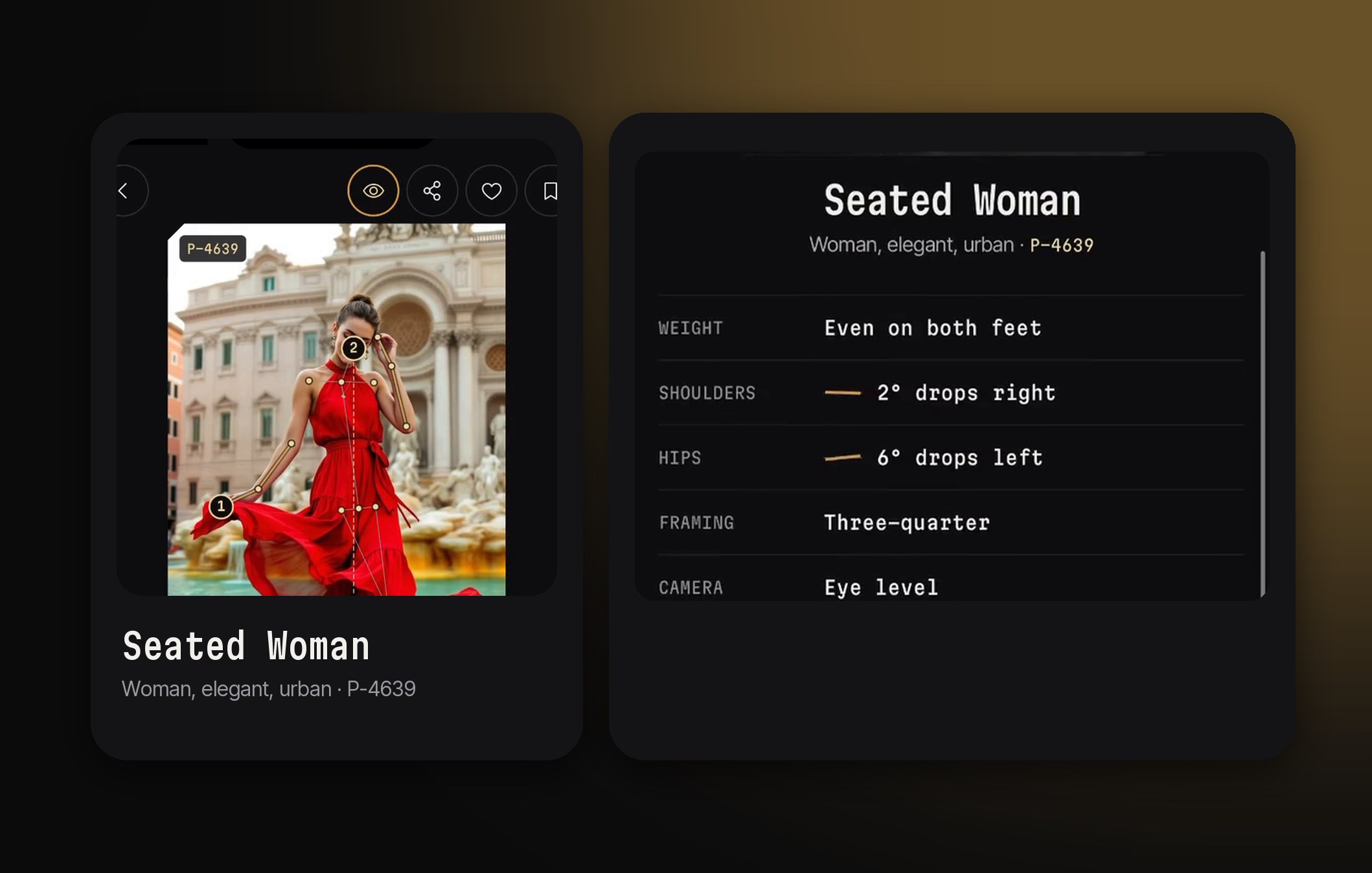
Each pose page pins two numbered cues on the
photo, with notes on weight, shoulders, hips,
framing, camera height and level.

Boards

A Board For
Every Shoot

Save poses into a board for each shoot, like
“Maternity Oct 2026”. On set plays the board
full screen on the day, one pose at a time.

Live Guide

Guide The
Pose Live

Point the camera at the person and the pose
sits over the live view. Each limb lights up as
it matches, and Auto capture takes the shot.

Who uses it

Pros Use It.
So Can You.

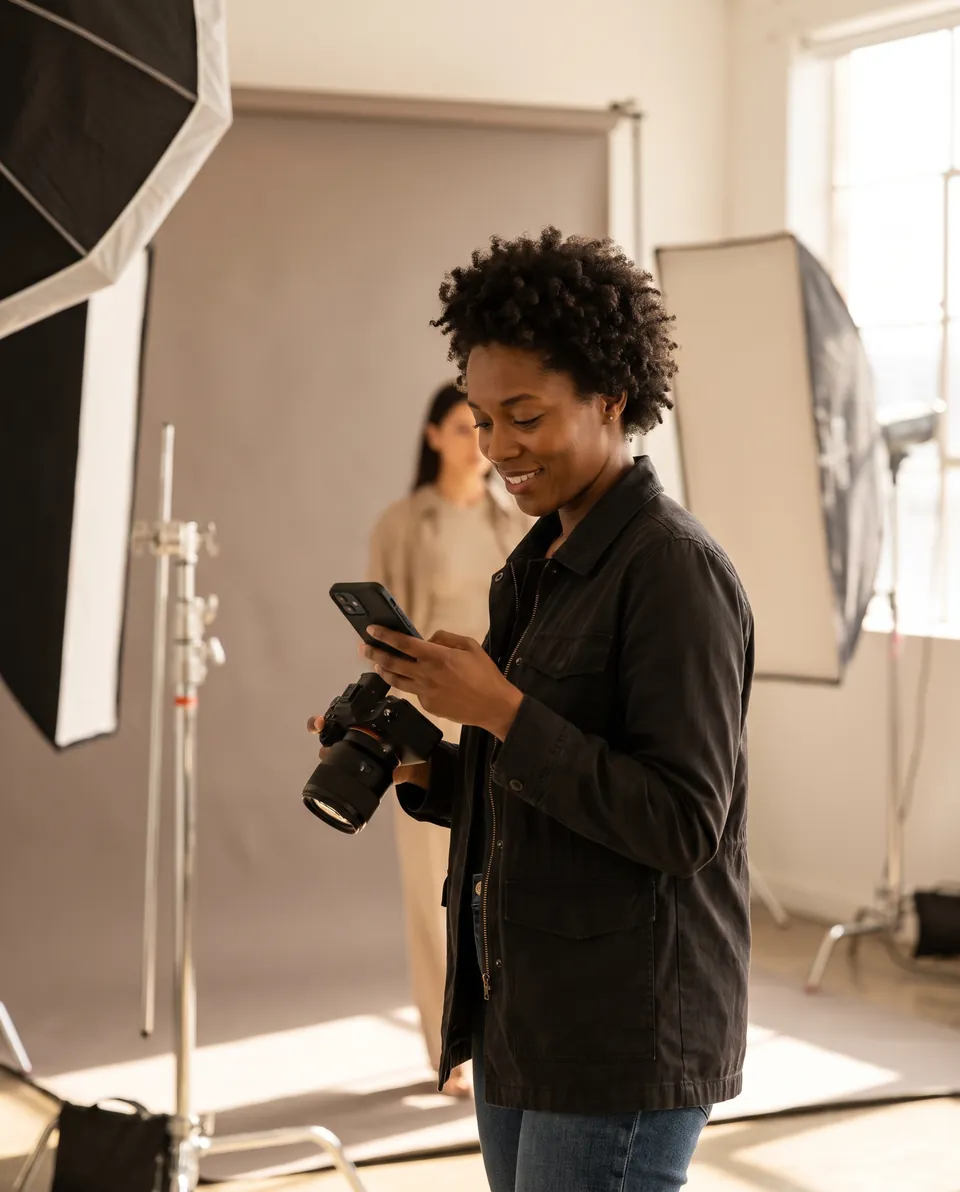
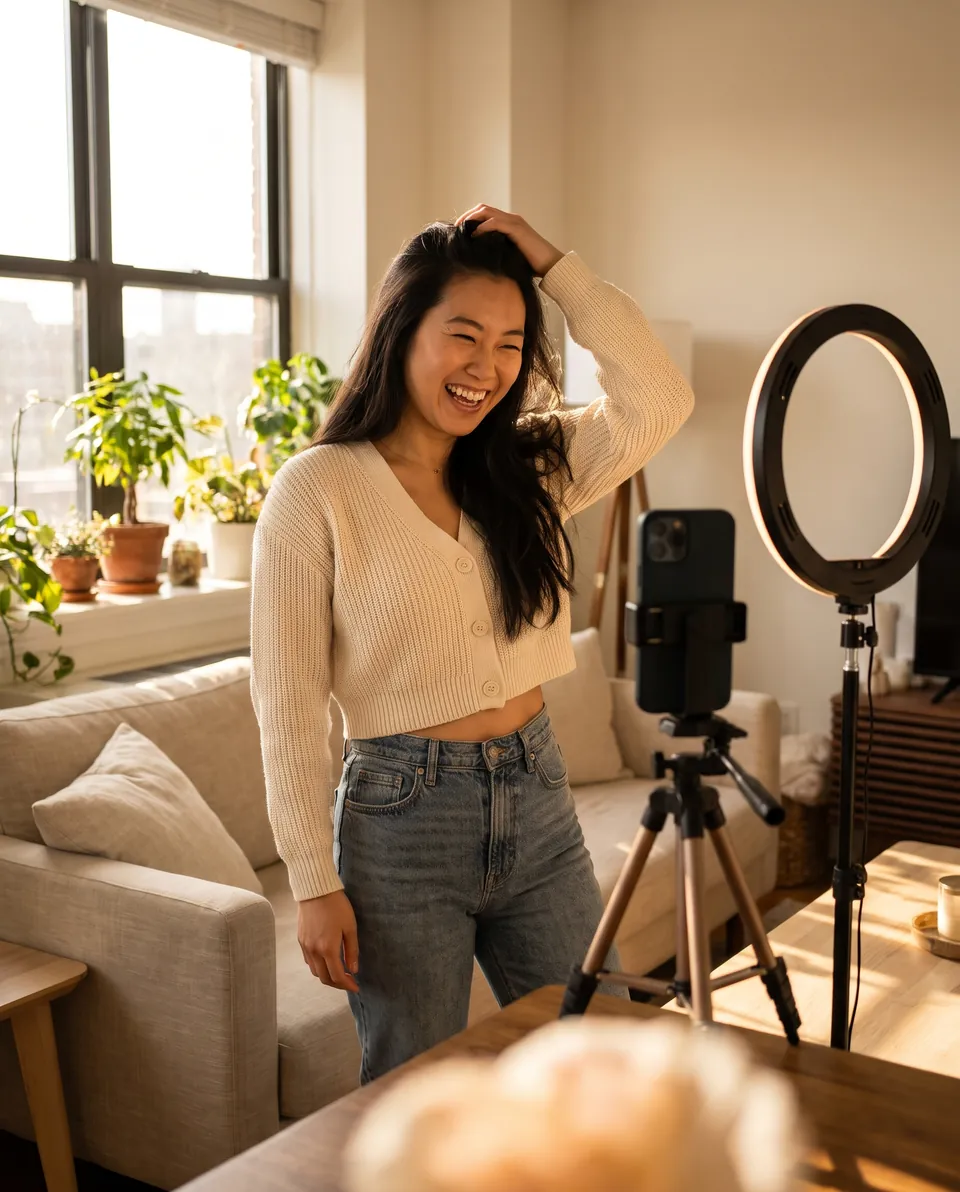
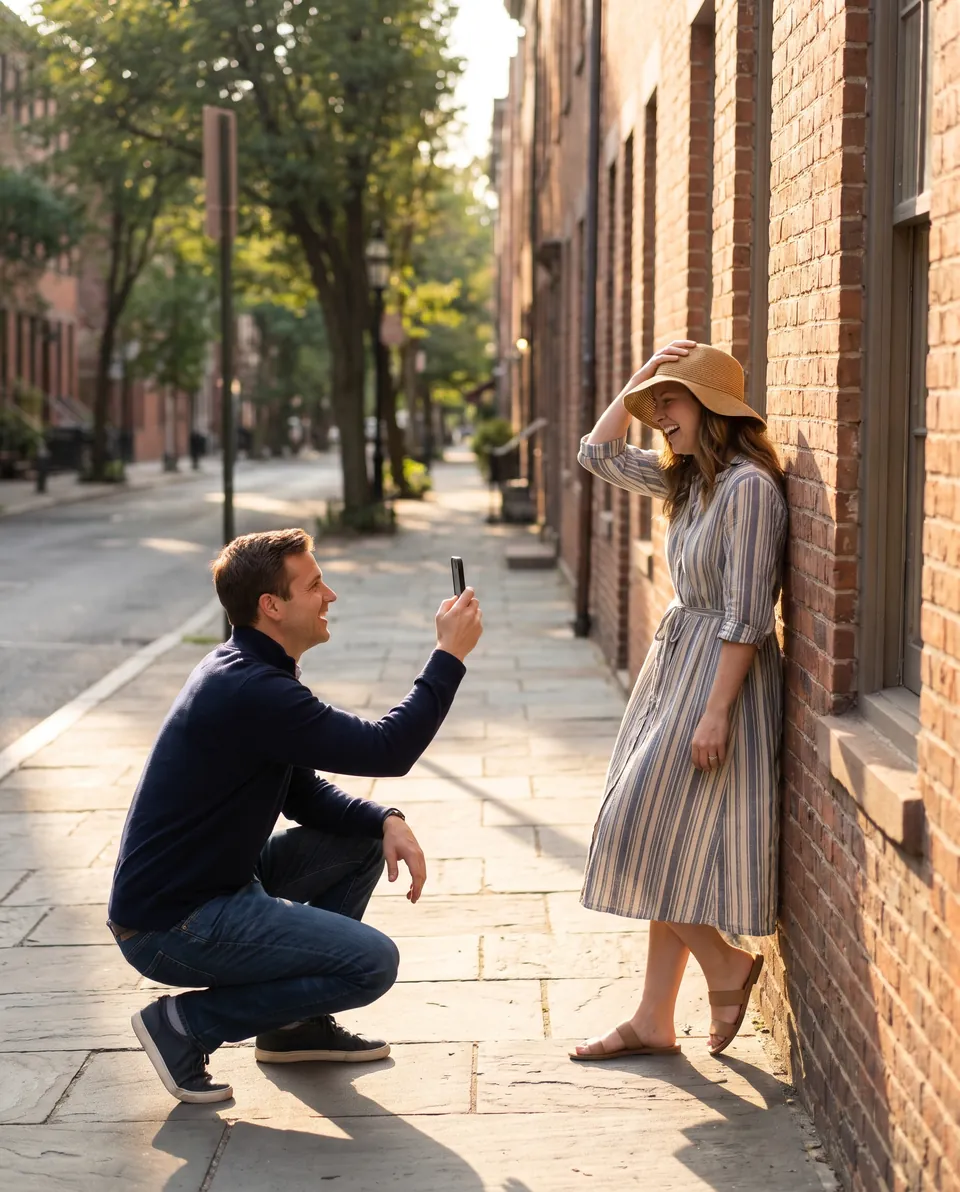
Photographers plan shoots with it, models prepare with it and creators film with it. You do not need to be an expert: pick a pose, follow the cues, and the guide lines do the rest.
4.9Average from beta testers
Beta favourite2026
  • Photographers

    “I open the board on set and my clients follow it. Nobody freezes between shots any more.”

    Amara OkaforPortrait photographer
  • Models

    “The cues tell me where my weight goes and where my chin sits. I walk in ready for every look.”

    Mateo RiveraFashion model
  • Creators

    “I type the shot I picture, pick a pose, and Live Guide lines me up before I hit record.”

    Jia LinContent creator
  • Everyone else

    “We are not photographers. We picked a pose, followed the lines, and framed the photo.”

    Dana and Mark EllisShot their own anniversary photos

No experience needed

You Do Not Need
To Be An Expert.
  1. 01Pick a pose you love
  2. 02Follow its two cues
  3. 03Let Live Guide line it up

ShowIt
On Set
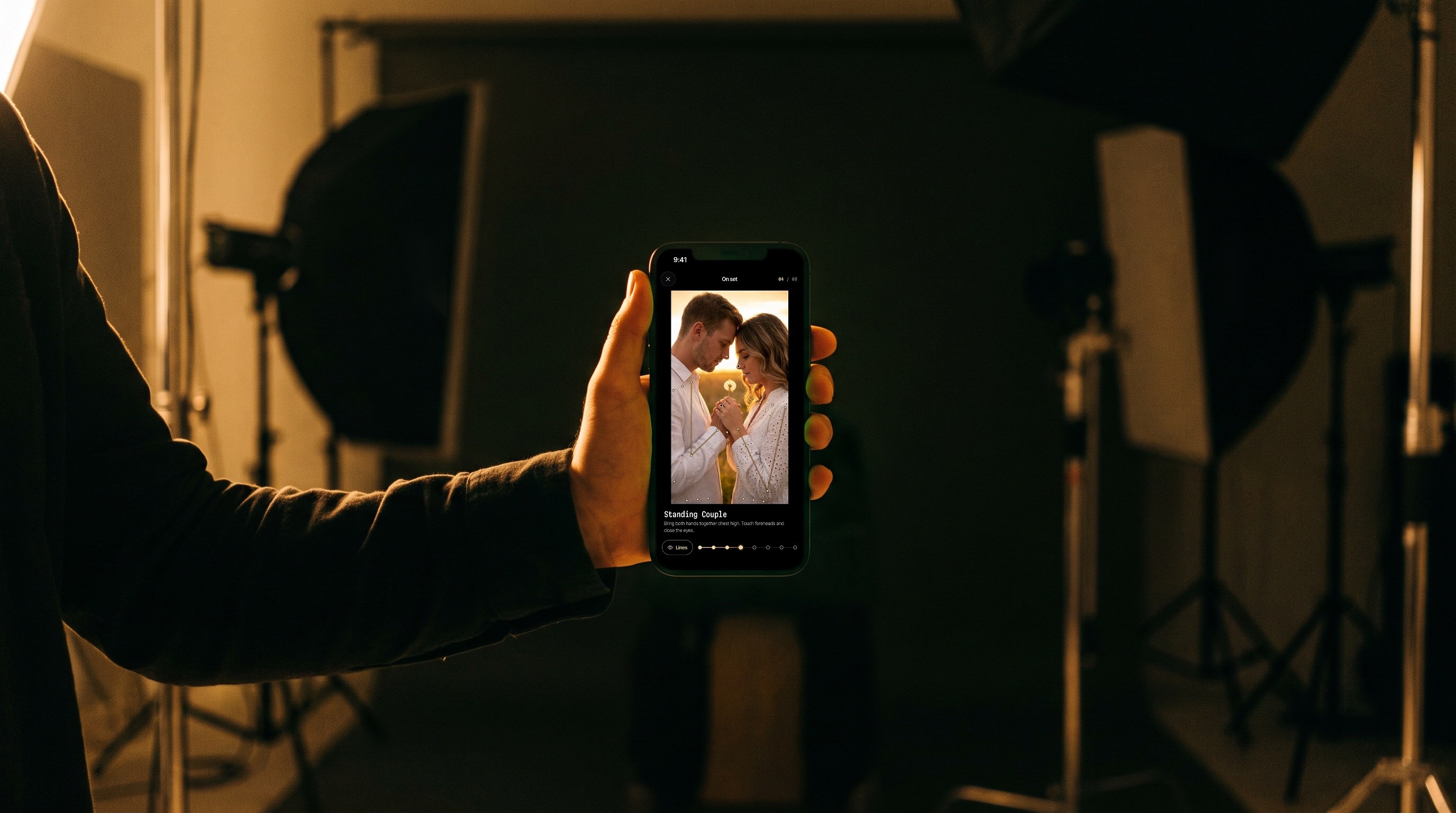
On set on an iPhone held up in a photo studio, a couple pose shown full screen on true black

96%

Gold guide lines show where the weight, limbs and angles go
on 96% of the 12,000+ poses in the library.

Every pose page also marks its level, from beginner to advanced.
bg

The library

12,263

Poses to pick from,
and more on the way.
  • Golden hour
  • Editorial
  • Dance
  • Wedding
  • Female
  • Male
  • Couples
  • Fashion
  • Playful
  • Flowers
  • Nature
  • Urban
  • Happy
  • Beach
  • Portrait
  • Studio
  • Dynamic
  • Family
  • Kids
  • Teens
  • Maternity
  • Engagement
  • Graduation
  • Quinceañera
  • Friends
  • Pets
  • Business
  • Fitness
  • Yoga
  • Swimwear
  • Casual
  • Formal
  • Black & white
  • Outdoor
  • At home
  • Standing
  • Sitting
  • Lying down
  • Kneeling
  • Leaning
  • Walking
  • Jumping
  • Romantic
  • Confident
  • Elegant
  • Hats
  • Mirror

With gold guide lines

11,838

96% of the library comes with gold guide lines drawn over the body, so the shape of each pose reads at a glance.
  • 8,834Studio poses
  • 7,622Poses for women
  • 5,474Standing poses
  • 3,481Confident poses
  • 2,538Seated poses
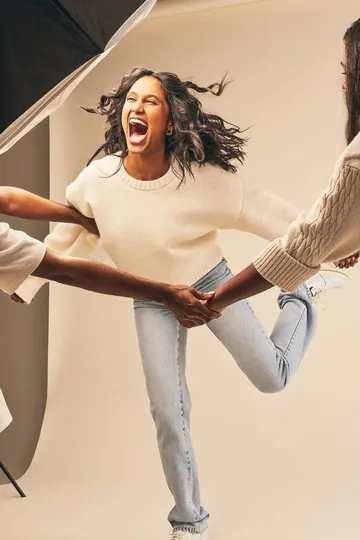
  • 2,166Playful poses
  • 1,716Poses for men
  • 1,075Couples poses
Coming soon

More poses and categories are on the way.

Whether you shoot couples, brides,
families or friends,
find poses that
fit the people in front of
your lens.

Couples
Couples pose ideas from the Poses4You library
Brides
Brides pose ideas from the Poses4You library
Women
Women pose ideas from the Poses4You library
Men
Men pose ideas from the Poses4You library
Families
Families pose ideas from the Poses4You library
Groups
Groups pose ideas from the Poses4You library

Find The Pose.
Direct It Right

  • Smart Search

    Search the way you describe the shot. Smart search splits a search into parts, so poses with every part come first and close matches follow.
  • Guide Lines

Smart Search
Guide Lines

Get Even More
From Each Pose

Every pose page reads like a shot list,
and See Yourself shows you in any pose
from one to three photos of your
face.
Pose Notes
Weight, shoulders, hips, framing, camera height and level sit under every pose, so you can direct the details before you shoot.
See Yourself
Pick a pose, add one to three photos of your face, and get a portrait of you in that pose. Save it, share it or keep it with your others.

Every pose comes with
two numbered cues you
can read out on set. Here are six of them,
straight from the pose library.

P-1139
Beginner
Standing Couple
1. Bring both hands together chest high. 2. Touch foreheads and close the eyes.
P-4639
Intermediate
Seated Woman
1. Sweep the skirt out wide. 2. Tip the chin down, smiling.
P-206
Intermediate
Kneeling Couple
1. Drop to one knee, back straight. 2. Tip your chin down toward him.
P-5784
Beginner
Seated Bride
1. Rest the cheek on the fingers. 2. Let the shoulders drop down.
P-161
Intermediate
Standing Woman
1. Lift the umbrella higher overhead. 2. Chin up, eyes past the camera.
P-4368
Advanced
Jumping Couple
1. Hold hands, arms low between you. 2. Kick the back knee up behind.
 Questions? 
 Questions? 
 Questions? 
bg
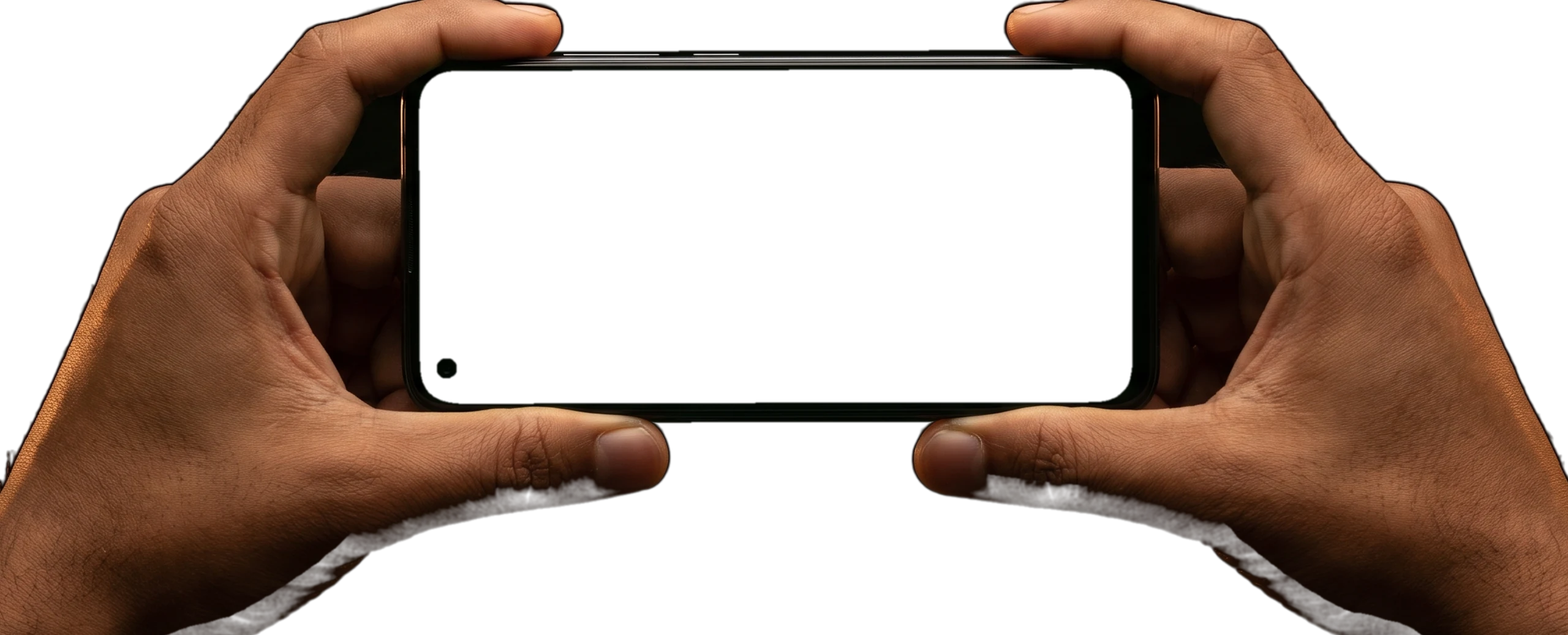
Two hands holding a phone sideways, playing a shoot board
Questions about the posing app? The
common ones are answered here. Still curious?
Email us at Support@adnika.com

What is Poses4You?

Poses4You is a posing app for iPhone with more than 12,000 pose ideas. Each pose page shows two numbered cues on the photo, notes on weight, shoulders, hips, framing and camera height, and a level from beginner to advanced. Gold guide lines show the body lines behind the pose.

Who is the posing app for?

Poses4You is for photographers who direct people in front of the camera, and for the people they photograph. The library covers women, men, couples, brides, families and groups, in studio, home, nature, urban, beach and other settings.

How does the live pose guide work?

Open a pose in Live Guide and point the camera at the person. The pose sits over the live view with its guide lines and an opacity slider. On iPhone the app detects the body and draws a live skeleton. Each limb lights up as it matches, and Auto capture takes the photo when the pose holds.

What does Pose Finder do?

Add a photo of a location or a shot you like. Pose Finder reads the photograph for framing, setting, mood and subject, then returns poses that fit it. Refine re-ranks the poses by mood, framing, setting and energy. It says nothing about the person in the photo.

How does See Yourself make AI photos of me?

Pick a pose, then add one to three photos of your face. See Yourself makes a portrait of you in that pose. You can save it, share it and see all your portraits in one place.

How do I find the right pose for a shoot?

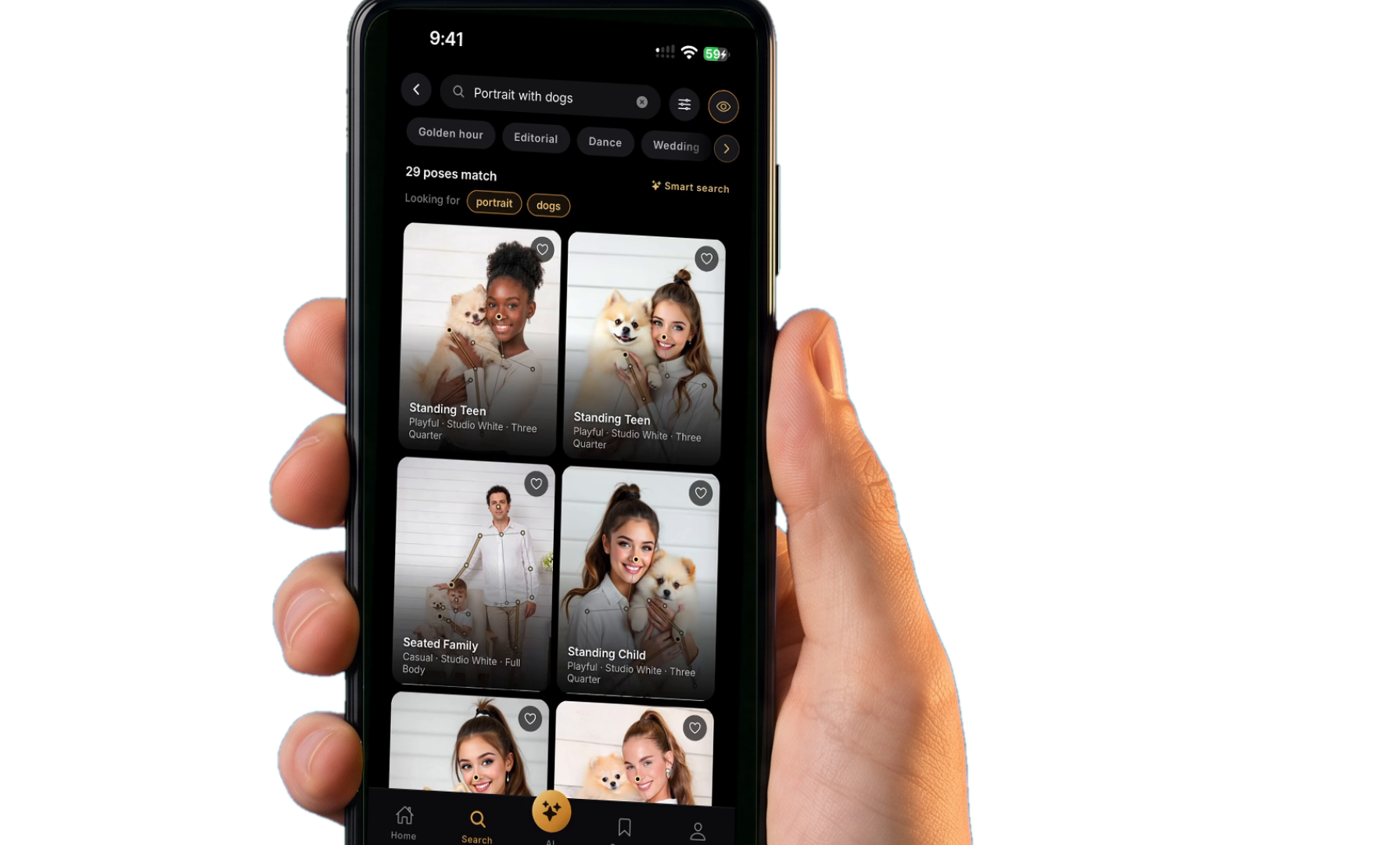
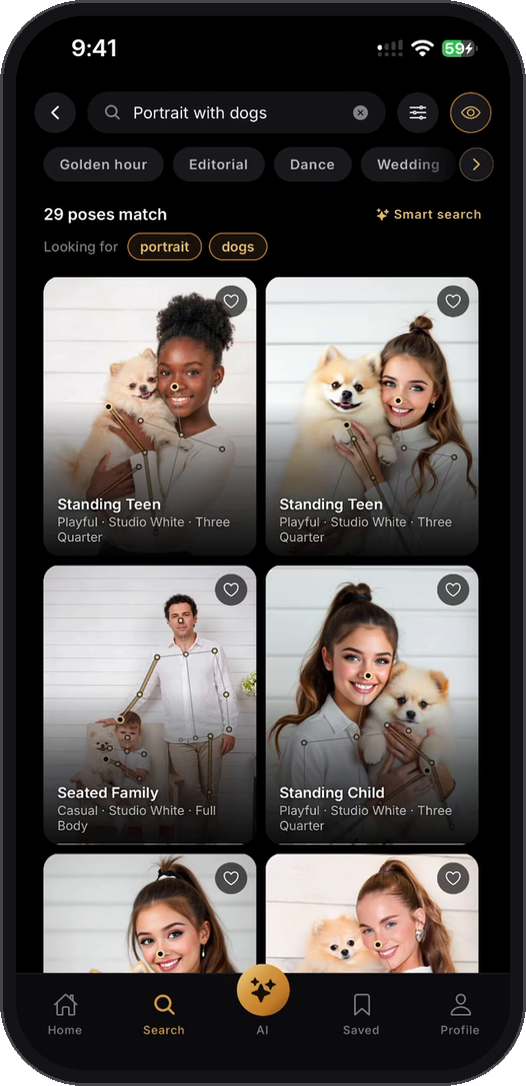
Search the way you would describe the shot. Smart search splits a search into parts, so "portrait with dogs" puts poses with a portrait and dogs first. Close matches follow under Similar and say what they lack. Every category sits one tap away under the search bar.

Can I show poses to the person I am photographing?

Yes. Save poses into a board for each shoot, then open On set. The board fills the screen on true black, the screen stays awake, and you swipe through the poses. The guide lines switch on and off.

Is Poses4You free?

Poses4You is free to download. AI features such as Pose Finder and See Yourself have a limit per account. There is no subscription at the moment.

What happens to my photos?

Your photos leave the phone only for the AI features, Pose Finder and See Yourself, and they go into private storage. You can delete single items or your whole account from Settings.
123456789
123456789
Every Pose
In Your Pocket